
If you have not read my earlier post on the token icon installer for Windows 7 SP1, don’t worry! This is another post that gives links on how to download token icons. Here, we review the token icons developed by Brsev and Mr-Ragnarok, available on www.devianart.com.
First we’ll review the token icon pack installers developed by ~Brsev. When I searched on the net, I found 3 different variants of token icon sets by ~brsev, which we can download. I’m giving the links, screenshots, and reviews of each of these token icon sets below.
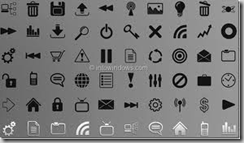
- The token developed by Brsev includes 128 unique icon designs.
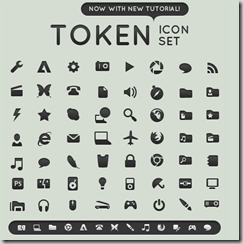
Each icon is available in dark and light variants. The token icon set is also available as an ICO bundling of 256×256, 32×32, and 16×16 icons.
- -each available in dark and light variants
- -available as an ICO bundling 256×256, 32×32 and 16×16 icons
- -available as a PNG at 128×128
- -available as an icon packager theme thanks to naymlezwun.
- – One PSD file including the layer styles for each resolution is included, as well as a detailed tutorial of how to design to match the set.
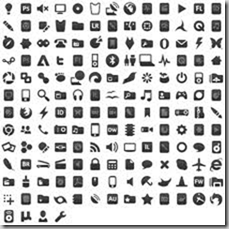
Token Dark by ~brsev contains 160 icons, and the maximum size available is 256×256 px.
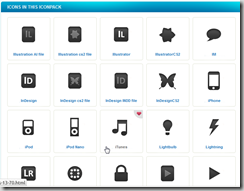
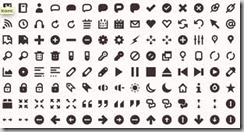
Token Icons 1.0 by brsev includes over 100 different icons to customize Windows.
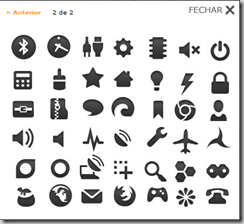
Works on Windows XP/Vista/7/8.
Ideal for creating new themes for Windows with a different look. It’s available in shades of gray (light and dark). Token icons work on Windows operating systems, Vista and XP. There are 2 formats: ICO (16×16 pixels in size) to use the images as icons and PNG (128×128 pixels in size).
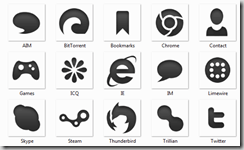
The images are now named based on their intended use, primarily for internet applications and image editors. They are icons for Photoshop, Flash, GIMP, Chrome, Mozilla Firefox, Internet Explorer, and others.
The pros are that its design is beautiful and modern and available in two colors. The only con is that some icons are not easily identifiable.
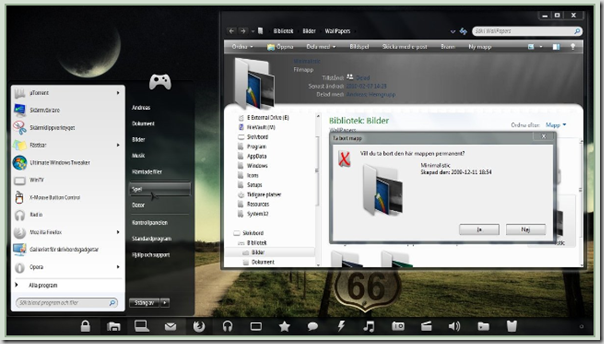
It works on both x86 and x64. It has both the dark and light token icon installer variety. Token file types are added, as well as some other icons.
Note: Proper backup before you begin is necessary. Both the Top and Default previews are available in the downloaded RAR file.
The below is the troubleshooter link for installing and downloading this token icon set.
Earlier, I was disinterested in token icons, as I thought these would make the desktop miserable. But after installing the Ubuntu themes for Windows 7, I got little confidence. Now from my understanding over the months, I came to realize what “token icons” are. These are nothing but a peculiar set of icons that have gained wide popularity among users and the community of Windows, Apple, and Android.

I have to thank you for the efforts you have put in writing
this website. I am hoping to see the same high-grade blog posts by you in the future as well.
In truth, your creative writing abilities has encouraged me to get my
own site now 😉